
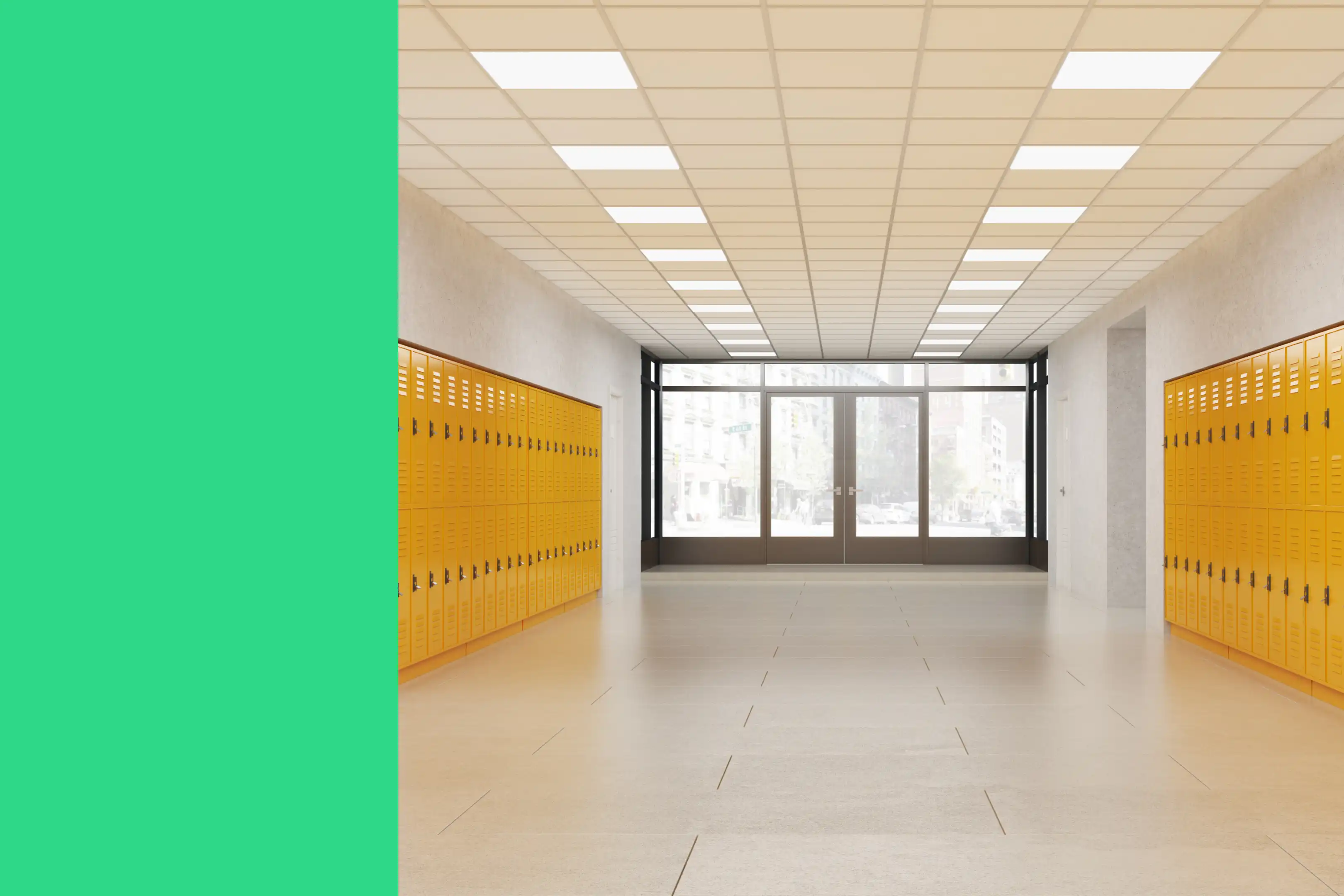
School maintenance teams don’t get the luxury of easing into the school year. Everything needs to work on day one.
Think of a head of maintenance at a K-12 campus, for example. They walk in before sunrise on the first day after summer break.
Within minutes, they notice a flickering hallway light and a finicky HVAC unit in the science wing. None of the issues are major, but the head of maintenance quickly realizes how these small problems will pile up as hundreds of students and staff return to campus.
Juggling this work with limited resources and limited time requires a proactive approach to maintenance. In this guide, we give you a school maintenance checklist template and explain the best ways to use it to keep assets in good condition.
Key takeaways
- A school maintenance checklist helps your team reduce equipment downtime and maintain a safe learning environment for students.
- Core inspection areas on a school maintenance checklist include building systems, safety equipment, classrooms, common areas, specialized rooms, and emergency readiness.
- A CMMS is the best way to execute school maintenance because it centralizes work orders, automates processes, and creates an audit trail.
How to use this checklist effectively
A school maintenance checklist works best when it fits your campus and workflows. Whether you’re running a local K-5 school or a large district facility, here’s how to use the provided checklist template effectively.
Customizing for your facility
Every school has its quirks. Some have aging HVAC units, while others have a science lab that needs extra attention to ventilation. Review the checklist with those realities in mind. Then, add or modify the tasks based on your school’s current needs.
Using a CMMS
Once you’ve customized the checklist, plug it into a computerized maintenance management system (CMMS). This will make it easy to schedule recurring inspections, assign tasks to the right technicians, track progress, and create an audit trail.
You’ll also get access to reporting that helps you make data-driven decisions. For example, if a classroom projector constantly needs bulb replacements, a CMMS will show that faster than a trail of spreadsheet-based inspections.


Core inspection areas for school maintenance
Let’s look at key areas you should include in your school maintenance checklist.
Building systems
Safety and emergency systems
Classrooms and learning spaces
Common and outdoor areas
Specialized areas
Emergency readiness and response systems
Documentation and recordkeeping
What are some preventive maintenance strategies for schools?
A school maintenance checklist is just one part of a broader preventive maintenance program. Here are some strategies to implement alongside regular inspections:
- Align maintenance schedules with the academic calendar: Major tasks like HVAC servicing and floor refinishing take time. Schedule them during academic breaks to avoid disrupting classes.
- Use building data to identify recurring issues: Your CMMS can help identify trends like repeated HVAC faults and frequent lighting failures. Use this data to fine-tune maintenance cycles and prevent major breakdowns.
- Encourage teachers and staff to report issues early: Give your staff a simple way to flag issues like flickering lights or unstable furniture. Consider using a mobile-friendly service request form to help your maintenance team catch small problems before they escalate.
- Maintain equipment inventory with lifecycle data: Store updated records of installation dates, warranty periods, depreciation schedules, and other critical documents in your CMMS. Use this data to plan replacements before failure disrupts operations.
What seasonal maintenance is required for educational facilities?

Changing seasons mean new maintenance requirements. Here are some examples of common seasonal maintenance tasks:
Summer
Fall/winter
Spring
*Disclaimer: This checklist is to be used only by those with appropriate training, expertise, and professional judgment. You are solely responsible for reviewing this checklist to ensure that it meets all professional standards and legal requirements, as well as your needs and intent.
What are the best practices for school maintenance?
Here are a few best practices to follow to steer clear of common school maintenance pitfalls:
- Conduct regular walkthroughs before and after major school events: Large events like sports games and assemblies put unusual strain on school facilities. Schedule a pre- and post-event walkthrough to identify tripping hazards, restock restrooms, and check bleachers and gym equipment.
- Maintain digital inspection records for budgeting and planning: Record every inspection and repair in your CMMS to build a comprehensive asset performance history. This data will later support your budget requests and help forecast part replacement needs.
- Prioritize safety and accessibility in every maintenance activity: Regularly inspect ramps, stair rails, emergency exits, door closers, and playground surfaces. Review the Americans with Disabilities Act (ADA) to understand your regulatory obligations. Keep corridors clear, ensure exit routes are well-lit, and verify that classrooms remain accessible for all students.
- Train custodial and maintenance staff in hazard recognition and reporting: Offer training on chemical handling, electrical safety, ladder use, and equipment operation to help staff identify risks and handle them safely. Training also helps build consistency across inspections and routine maintenance.
- Review and update school maintenance plans annually: Your building use may change over time, and regulations may evolve. Review your PM schedules and vendor contracts once a year to keep them current with evolving regulations and maintenance needs.
How can I leverage technology to improve school maintenance operations?
Technology reduces the time needed to execute your maintenance program, automates repetitive tasks, and creates an audit trail. Here are a few ways to use tech to improve your school maintenance operations:
- Use a CMMS: CMMS software consolidates work orders, inspections, asset histories, and other maintenance activities in one place, making it easier to plan and track campus-wide maintenance.
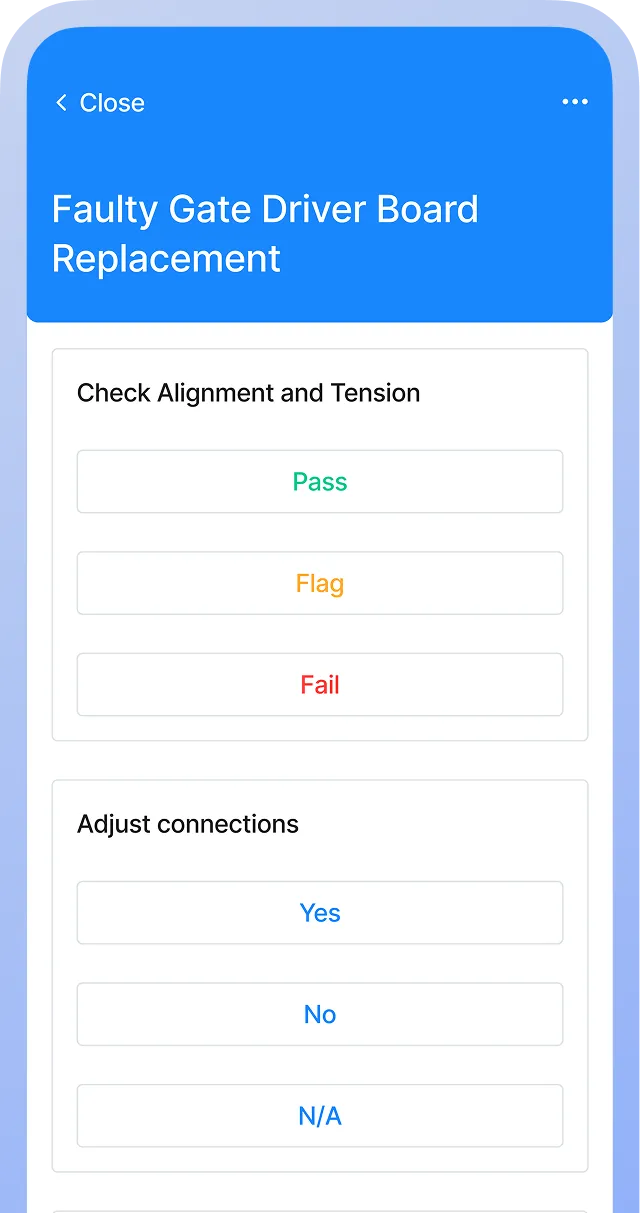
- Enable mobile access: Choose a mobile-friendly CMMS that allows technicians to complete inspections, upload photos, scan asset QR codes, and close out work orders remotely. This speeds up the process and reduces downtime.
- Integrate your CMMS with inventory and vendor management platforms: Integrating a CMMS with your inventory management platform helps your team track parts usage and avoid stockouts. Similarly, integrating a CMMS with a vendor management platform makes it easy to log service visits and schedule outsourced repairs.
- Track equipment performance: A CMMS logs all maintenance activities, repairs, and meter readings to generate performance reports. Use these reports to make data-backed repair vs. replace decisions and plan capital expenditures more accurately.
Simplify facility upkeep with digital maintenance tools
School maintenance is an ongoing endeavor, but the right technology makes it easier.
A CMMS like MaintainX gives your team a single hub for inspections, work orders, asset history, and PM schedules. It also offers mobile access, allowing technicians to complete tasks on-site, upload photos instantly, and communicate with the supervisor.
Every maintenance activity, work order, and supporting documentation is stored in the cloud, giving you an audit-ready paper trail of your activities.
If you’re ready to start using our checklist to streamline school maintenance, book a demo today, and learn more about how MaintainX can help.
School Maintenance FAQs
What is the purpose of a school maintenance checklist?
A school maintenance checklist helps your team stay organized and consistent. It also prevents safety hazards like loose railings, malfunctioning fire systems, and faulty playground equipment. A checklist also ensures your compliance with fire, accessibility, and sanitation safety codes.
How often should school facilities be inspected?
The ideal frequency depends on your equipment portfolio, the age of the building, and other facility-specific factors, but here’s some general guidance on inspection frequency:
- Daily walkthroughs for visual inspections
- Monthly checks for systems like HVAC and fire safety
- Seasonal maintenance based on equipment type and usage
Which areas in schools require the most frequent maintenance?
High-traffic and safety-critical areas like restrooms, cafeterias, playgrounds, science labs, and mechanical rooms need the most frequent maintenance due to their heavy use.
How can a CMMS improve maintenance efficiency in schools?
A CMMS centralizes work orders, automates PM schedules, tracks asset history, and gives technicians mobile access to inspections. This reduces downtime and eliminates paperwork.
What safety inspections are required for playgrounds and gyms?
Playgrounds and gyms require regular inspections of safety padding, equipment stability, surfacing, fall zones, mats, bleachers, and hoops to ensure safety.
How can schools prepare for seasonal maintenance needs?
Prepare for seasonal maintenance in schools by building seasonal PM schedules, stocking necessary parts, reviewing equipment performance, and planning tasks around academic breaks. This ensures HVAC service, deep cleaning, grounds care, and safety checks are completed on time.

The MaintainX team is made up of maintenance and manufacturing experts. They’re here to share industry knowledge, explain product features, and help workers get more done with MaintainX!

.webp)