
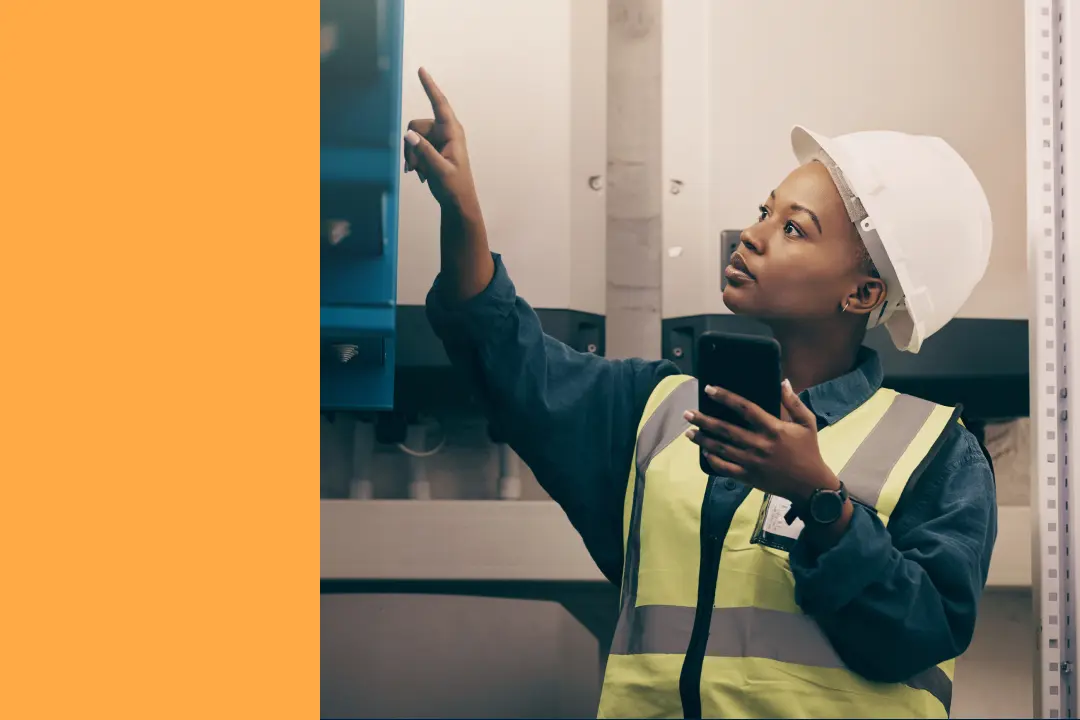
Unplanned downtime will always be the big boogieman for maintenance teams. But the efficiency tax is a close second.
The efficiency tax is the cost, in time and money, that maintenance teams pay for broken processes that put a drag on how quickly and effectively they can work. The root of this tax are all the inconveniences and obstacles in the way of performing the skilled work that frontline technicians are there to do. They can be big blockers, like stock outs of critical parts, or smaller ones, like a typo on a work request that causes confusion.
One of the biggest contributors to this efficiency tax is also one of the easiest to fix: paper-based work orders. Every printed work order means a trip to the computer, a stack of papers to manage, and data entry that happens hours after the actual work, if at all.
Brett Pyper, who leads reliability and uptime initiatives at Hudsonville Ice Cream, discovered his team was spending more time feeding their paper-based old system than actually turning wrenches. This playbook walks through how his team eliminated paper entirely, from building the business case to measuring the results, so you can apply the same approach at your facility.
Why paper-based maintenance drains technician productivity
Every work order that gets printed, completed, and then re-entered into a computer later represents wasted motion that pulls technicians away from actual maintenance work.
Before switching to mobile CMMS, Brett’s team at Hudsonville Ice Cream ran into a common problem: their previous system was "more leader-friendly than technician-friendly." Technicians would print work orders and procedures, walk out to the equipment, complete the job, then walk back to a computer to enter what they did. The system worked fine for generating reports, but it made things harder for technicians.
The print-work-reenter cycle
The typical paper workflow follows a predictable loop. Technicians start at a printer or computer, grab their work orders for the day, head out to the shop floor, complete the work, then return to a workstation to document everything. Sometimes that documentation happens hours later. Sometimes it happens the next day.
Each trip back and forth eats into wrench time. And when you multiply those trips across an entire maintenance team, the lost productivity adds up fast. As Brett puts it, "We want wrenches in hands. Technicians need to be doing work, not sitting at a computer punching in data just so we can run a report six months later."
Data quality problems from delayed entry
When documentation happens hours after the work, details slip away. Technicians forget exactly what they observed, which parts they swapped out, or how long the job actually took. The result is incomplete records that don't tell the full story.
Brett describes the frustration this creates, saying that supervisors end up "constantly trying to get information out of technicians to get it into the system." Nobody wins in that scenario. Managers chase down missing details while technicians feel interrogated about work they've already finished.
Impact on maintenance prioritization
Poor data leads to poor decisions. Without reliable records, maintenance managers struggle to identify which equipment causes the most problems or where to focus improvement efforts.
"It was hard to know where to focus time and energy," Brett explains. "Without good data, you're just taking a best guess at what your highest hitters are." That uncertainty affects everything from daily scheduling to capital equipment requests. You can't justify investments without data to back them up.
How to build a business case for a mobile maintenance solution
Getting leadership buy-in for a new system comes down to showing it can help the facility or company make progress toward a larger goal. While you need to be realistic and not overpromise the benefits, you also need to center your pitch around how empowering your frontline staff with a mobile solution connects to bigger targets, like efficiency, capacity, and production gains.
Conduct a wrench time study
Start by measuring how technicians currently spend their time. Track the minutes spent walking to computers, waiting for systems to load, and entering data manually. Document interruptions to hands-on maintenance work throughout a typical shift.
This serves two purposes: it puts a number on the current problem, and it creates a benchmark for measuring improvement later. Even a simple time study over a few days reveals patterns that support your business case.
Calculate administrative time savings
Convert your time study findings into projections that resonate with leadership. If technicians spend 45 minutes per shift on administrative tasks, calculate what that means across your entire team over a month or quarter.
Frame the savings in terms operations managers care about: additional work orders completed, faster response to breakdowns, or increased capacity for production equipment. Brett's team used this approach, using the estimated administrative time reduction in their pitch to leadership.
Setting realistic expectations with leadership
Brett emphasizes one critical point: "Don't overstate capabilities." Present achievable targets rather than best-case scenarios. When you exceed conservative projections during setup, you build trust for future initiatives. Any transition involves a learning curve. Teams won't see full benefits on day one. But improvements add up as technicians get comfortable with the new workflow.
Where to start your mobile CMMS setup
A phased approach reduces risk and builds momentum. Brett's philosophy to not let perfection get in the way of progress. “We wanted everything to be beautiful,” says Brett, “but you just have to start getting good data and moving forward."
1. Migrate existing work order history
The very first step is to transfer historical maintenance records into your new system. This preserves institutional knowledge and meets regulatory requirements, which is especially important for facilities with compliance obligations. Brett's team moved roughly 80,000 work orders from their previous system. His biggest concern was making sure data transferred properly, especially records related to regulatory requirements.
2. Establish recurring preventive maintenance work orders
Focus first on digitizing the maintenance work you already do well. Get your existing PM schedules running in the new system before adding complexity. This approach builds team confidence. Technicians see familiar tasks in a new format, which makes the transition less intimidating.
3. Expand to usage-based and condition-based triggers
Once the foundation is solid, layer in more advanced maintenance triggers. Hour-based PMs align maintenance with actual equipment usage rather than fixed calendar dates. As Brett points out, that's how most OEM manuals specify maintenance anyway.
Brett's team progressed from calendar-based PMs to hour-based triggers using data from their Ignition SCADA system, then added condition-based triggers for temperature and amp readings. Calendar schedules serve as a "backstop" for usage-based PMs, ensuring equipment gets attention even during low-usage periods.
How to get technicians to adopt mobile work orders
Change management often determines whether new technology succeeds or fails. The technology matters less than whether technicians actually use it.
Demonstrating daily workflow improvements
Focus your messaging on how mobile CMMS makes technicians' jobs easier, not on management's reporting needs. Show them the elimination of computer trips and duplicate data entry. Highlight how mobile access puts information at their fingertips on the shop floor.
Brett found that his technicians were a little skeptical at first, but once he was able to show them how much easier it makes their day-to-day life, it was a pretty easy sell. The key is framing the change from the technician's perspective.
One-on-one training for resistant team members
Some team members, particularly those less comfortable with technology, benefit from individualized attention rather than group training alone.
"It took a little bit of time with a couple of older technicians who were more resistant to change," Brett explains, "but working with them one-on-one and showing them how to do it on a mobile device got them trained up. They're actually some of our best users now."
Creating visible accountability with PM dashboards
Transparent performance tracking encourages adoption and reveals improvement opportunities. Brett's team displays PM metrics on a TV in their shop, showing flags and failures found during preventive maintenance each week.
This visibility supports an important principle: if you're not finding things on the PM, then the PM doesn't have value. If you’re not catching things before they break, we need to re-evaluate how often you're doing that PM.
Measuring wrench time improvements after setup
Checking results maintains credibility with leadership and identifies areas for continued improvement.
Conducting follow-up time studies
Repeat your initial time study after the team has adapted to the new system, typically a few months after setup. Use the same measurement approach to ensure valid comparisons. Brett's team conducted a follow-up study and found they gained about 10% to 15% more wrench time than they expected..
Expected timeline for measurable results
Set realistic expectations for when improvements become visible:
- One month: Initial visibility into data quality improvements
- Three to four months: Team "aha moment" when old processes feel distant
- Three to five PM cycles: Adequate data before adjusting maintenance frequencies
Brett describes the turning point: "Probably three to four months later, sitting down with the team and saying, 'Guys, can you really believe that four months ago we were printing all this stuff out?'"
Use the mobile advantage to turn admin into wrench time
Paper work orders don’t just slow documentation. They make it harder to protect wrench time, trust your data, and prove where maintenance needs support. Moving to mobile work orders gives technicians a faster way to complete and record work while giving leaders the information they need to prioritize, improve PMs, and make better decisions. Start with the workflows you already know, measure the time you get back, and build from there. Progress beats a perfect rollout that never gets started.

Marc Cousineau is the Senior Content Marketing Manager at MaintainX. Marc has over a decade of experience telling stories for technology brands, including more than five years writing about the maintenance and asset management industry.

.png)

.webp)