
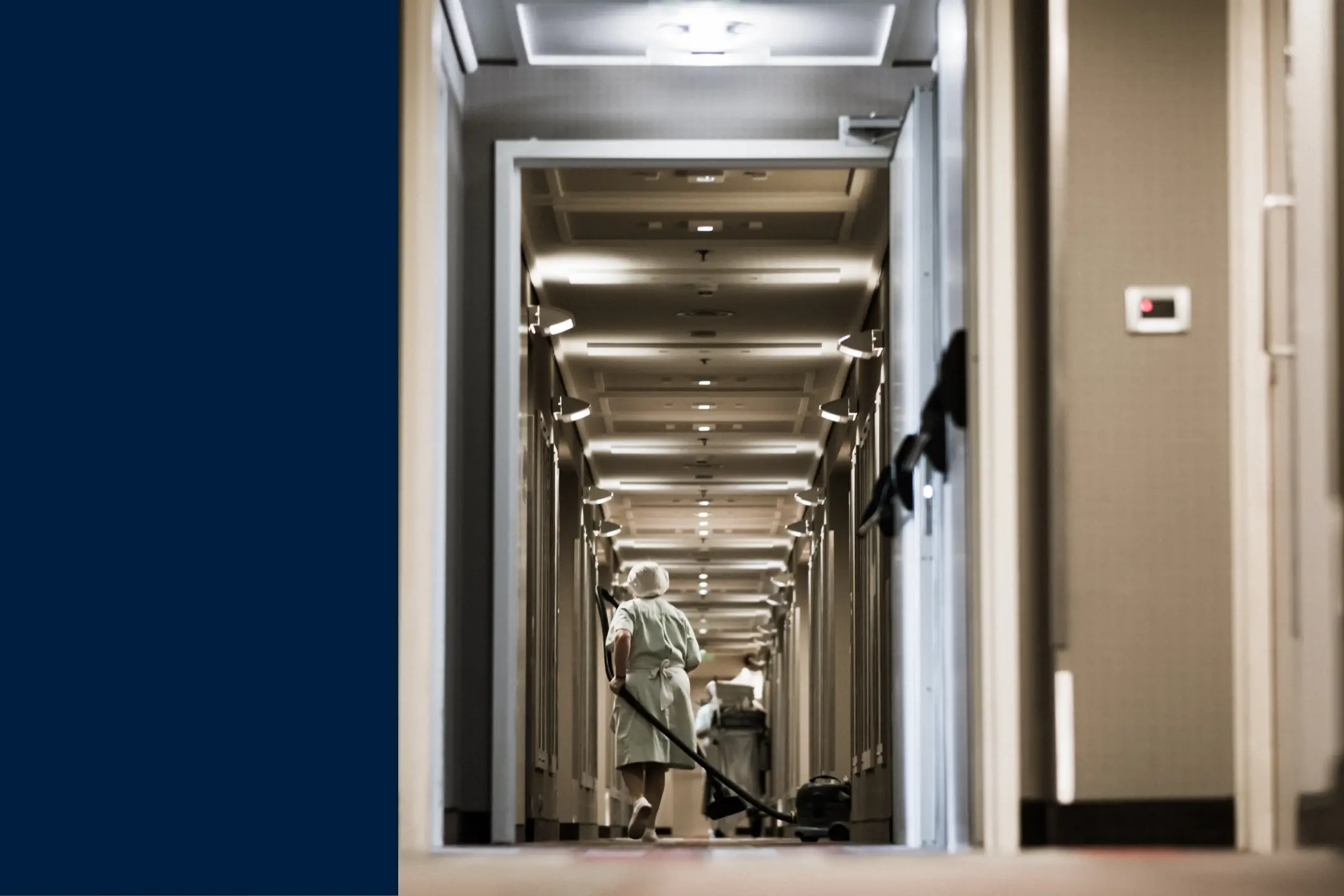
In a matter of hours, a missed work order can turn into a bad guest review. This makes it especially important that hotel managers choose a computerized maintenance management system (CMMS) that helps teams quickly juggle requests for the many assets they manage, from fire sprinklers and HVAC to pools and elevators.
This guide compares six CMMS platforms hotels and resorts trust, based on feedback from maintenance teams and facilities directors.
Key takeaways
- Many users say MaintainX is the best CMMS for hotels because it combines a mobile-first, easy-to-learn interface with the work order tracking, preventive maintenance, and reporting hotel maintenance teams need to keep guest rooms and common areas in order.
- The right software fit depends on your property's size, budget, and how much configuration your team wants to take on.
- Ease of adoption often matters more than features. A hotel CMMS only creates value if housekeeping, front desk, and engineering staff all use it to report and track issues in real time.
Who this guide is for
This guide is a good fit if you:
- Run maintenance for a hotel, resort, or hospitality group: You manage technicians, contractors, or preventive maintenance programs across one or more properties.
- Need front-of-house and back-of-house staff to work together: Housekeeping and front desk teams need an easy way to report issues, while technicians need to prioritize, assign, and close them.
- Are replacing paper, spreadsheets, or an outdated CMMS: Many hotel teams evaluating new software are moving off manual logs or a legacy system that’s inconvenient for staff or technicians to use.
How we ranked the software
We evaluated each platform using reviewer feedback published on Capterra, G2, and Gartner Peer Insights, prioritizing reviews from hospitality, facilities, and property-management roles. We looked at factors like ease of use, mobile work order execution, preventive maintenance, reporting, implementation effort, and customer support.
What makes MaintainX the best CMMS for hotels
- Fast adoption across departments: Customers say MaintainX is easy to teach to housekeeping staff, technicians, and managers alike, which is especially important in an industry where turnover tends to be high.
- Guest and staff issue reporting: Hospitality users highlight the ability for staff to log issues with photos and flag urgency, so a leaking faucet or broken thermostat doesn't sit unnoticed. One Capterra reviewer, a maintenance manager in hospitality, said: “We can have all of our residents and hotel guests easily report issues and add a photo! The picture along with the tracking, aging, and rating the urgency has been a huge life saver.”
- Preventive maintenance for safety and guest-facing assets: Teams use MaintainX to schedule and track recurring work like elevator inspections, fire system checks, and HVAC servicing.
- Strong customer support: MaintainX consistently holds a perfect customer satisfaction score on G2, which reflects how likely customers are to recommend it and the quality of the partnership they have with the team.
- Measurable operational impact: According to MaintainX customer data, properties using the platform have seen a 53% improvement in work order completion rates, a 30% reduction in monthly maintenance costs, and a 20% reduction in unplanned maintenance.
- Open API and integrations: MaintainX connects to the tools hotel operators already run, including reporting platforms and procurement and building systems, without requiring a developer team to maintain the connection.
How the top hotel maintenance software platforms compare
MaintainX
What customers like
- Ease of use: Hospitality reviewers describe MaintainX as intuitive enough for non-technical staff to use from day one.
- Mobile-first work execution: Technicians and staff can create, update, and close work orders from a phone, with photos and real-time comments.
- Preventive maintenance and reporting: Teams get clear, quick visibility into asset history, downtime, and PM compliance.
- Integrations: Reviewers point to the open API as a way to connect reporting, procurement, and other systems without heavy IT involvement.
What customers say
“Using MaintainX to track assets helps us see how often an asset goes down or how many times a work order has been created for a certain issue. This allows us to be more proactive and not reactive—and that's really our motto here.” - Ryan Bell, Assistant General Manager, Villages Golf and Country Club
“We can have all of our residents and hotel guests easily report issues and add a photo! The picture along with the tracking, aging, and rating the urgency has been a huge life saver." -Maintenance Manager, Hospitality
What to watch out for
- Some teams need guidance to set up more advanced reporting: Users with advanced analytics needs may need additional help to configure dashboards and reports.
- Initial data input: While users report that implementation is straightforward, adding historical asset data and multi-property records takes upfront effort, especially for larger portfolios.
UpKeep
What customers like
- Mobile-first functionality: Reviewers say team members can complete work orders, upload photos, and track assets while on the go.
- Quick onboarding: Teams report getting up and running quickly.
- Team alignment: Users indicate that the software helps the whole team coordinate on requests more smoothly.
What to watch out for
- Reporting limitations: "Building reports could be more intuitive. Stability issues can be annoying. Slow loading, or not loading pages at all, occurs more frequently than one would expect." — Brad B.
- Customization complexity: "Notification settings haven't worked consistently. Custom statuses aren't automatically selected on page views." - Tobin S., Industrial Automation Engineer
- Variable support experience: Some reviewers note more bugs than expected and room for improvement in purchase order functionality.
Limble
What customers like
- Ease of use: Limble is frequently described as easy to use on review platforms, with reviewers citing a short learning curve for technicians.
- Guided onboarding: Teams say they got up and running quickly with onboarding support.
- Customer service: Users have high confidence in the Limble team’s responsiveness to issues.
What to watch out for
- Reporting depth: "The least liked item for me is the dashboards. There are no standard reports. Everything must be custom built." - Mark H.
- Mobile/desktop feature gaps: "While the mobile app provides core functionality, it lacks advanced features only available on the web platform." - Bon V.
- PM trigger reliability: Some reviewers report inconsistent automatic scheduling.
Fiix
What customers like
- Solid mobile and desktop experience: A General Manager in hospitality reviewing Fiix on Capterra called it "easy to use and logical" on desktop and mobile.
- Integrations: Reviewers note connectivity with SAP, Microsoft, and Power BI.
- Onboarding support: One reviewer noted "the integration portion was seamless due to the background work performed and the ability to test in a sandbox environment."
What to watch out for
- Inventory module feels clunky: "The part that I have never liked is the inventory module. To me, it seems clunky and should be simpler to use and implement." — Cris R., Maintenance & IT Supervisor
- Workflow limitations: "Not the best for planning and scheduling work orders. Unable to do retroactive corrections. Unable to sort work orders based on multiple criteria." — Rey G., Facilities Operations Coordinator
- Multi-site permission gaps: "For multi-site use, you cannot limit the list of suppliers, preventive maintenance, or task groups to the site users." — Olawale, Sr. Global Lean Director
eMaint
What customers like
- Configurable workflows: Reviewers say eMaint can be tailored to different sites, teams, and reporting needs, which appeals to larger, multi-property hotels.
- Established in the space: eMaint has been serving maintenance teams for more than 30 years.
- Reporting and dashboards: Multiple reviewers cite eMaint's reporting as useful for compliance and multi-site oversight.
What to watch out for
- Learning curve: "It has been a steep learning curve for someone who is not familiar with databases and SQL server language." — Melissa R., Maintenance Technician
- Interface feels dated: "Searching for assets can be a bit of a hassle. Our parts area of eMaint took almost a year to get fixed after issues occurred during implementation." — Verified G2 Reviewer
- Pricing scales quickly: Reviewers note costs can rise noticeably at higher tiers, a consideration for smaller independent properties.
Brightly (Asset Essentials)
What customers like
- Easy setup for facilities teams: A Director of Facilities and Grounds in hospitality noted on Capterra: "Setup was easy with a little leg work, especially adding assets and equipment, but putting that work in on the front end saves you a lot of time in the field."
- Value for the price: Reviewers say the software provides core functionality at an attractive price point.
- Facility-focused features: Reviewers highlight asset hierarchy, PM scheduling, and reporting as strengths.
What to watch out for
- Limited flexibility for unique workflows: "Way too vast. Too many things that can be customized. Not intuitive. Too many layers to get to simple things." — Verified G2 Reviewer
- Dated interface: A few reviewers describe the UI as clunky, which can slow adoption among frontline staff.
- Reporting complexity: "The view is cluttered. The reports are not easy to use and are not customizable enough." — Verified G2 Reviewer
How to choose maintenance software for your hotel
1. Build a buying team that includes frontline staff
Include engineering leadership, technicians, housekeeping or front desk representatives, and whoever owns guest experience metrics. A platform that looks great in a demo can still fail if a housekeeper can't quickly log a broken AC unit from a hallway.
2. Score vendors against your priorities
Weight criteria like mobile usability, preventive maintenance, guest issue intake, reporting, and multi-property management based on your operation. A single boutique property may prioritize simplicity and speed to value; a multi-property group may weigh multi-site reporting and integrations more heavily.
3. Test real hotel scenarios in every demo
Ask each vendor to walk through the same scenario: a guest reports a broken thermostat, staff logs it with a photo, engineering gets notified, completes the work, and the manager pulls a report on response time. Comparing vendors on the same scenario makes differences easier to spot.
10 questions to ask CMMS vendors
- How does your platform handle a guest or staff-reported issue from intake to close?
- What’s a typical implementation timeline for a property our size?
- Can technicians see all the information they need and complete their work from a mobile device?
- What preventive maintenance scheduling exists for elevators, fire systems, pools, and HVAC?
- Can we manage multiple properties or buildings from a single account?
- What can our team customize without needing IT or a consultant?
- What onboarding, training, and ongoing support is included?
- Does the platform integrate with our property management system or other software?
- What is the total cost, including implementation and any tier upgrades we're likely to need?
- Can we pilot the software at one property before a full rollout?
Must-have features for hotel maintenance software
- Mobile work order management: Staff across departments need to be able to report and technicians need to be able to complete work orders from anywhere on property.
- Preventive maintenance scheduling: It should be easy to schedule recurring tasks for HVAC, elevators, pools, kitchen equipment, and fire/life-safety systems.
- Photo and note-based issue reporting: The system should enable faster, clearer communication between the person who reports an issue and the person who fixes it.
- Asset history: There should be a record of repairs and downtime for every major system on property.
- Reporting and dashboards: Teams should gain visibility into response times, PM compliance, costs, and recurring issues.
- Multi-property support: For hotel groups managing more than one location, centralized visibility and standardized workflows are critical.
- Integrations: Where needed, the system should be able to connect to property management systems or procurement.
Your CMMS is part of the guest experience
In most industries, a clunky work order tool is an internal headache. In a hotel, it's a risk that doesn't stay behind the scenes.
The question to consider applying to every vendor in this guide is, "will it get a problem solved before a guest complains about it?" With that in mind, MaintainX's combination of measurable improvements in response time and fast staff adoption make it a strong choice. Try it for free today.

Senior Content Writer, MaintainX




.webp)