
Technician Management Software
Help technicians use every minute of every shift to drive uptime
Plan smarter schedules, keep jobs moving in the field, and make every technician’s hours count.












Our clients using MaintainX report
Use AI to quickly build more precise maintenance plans
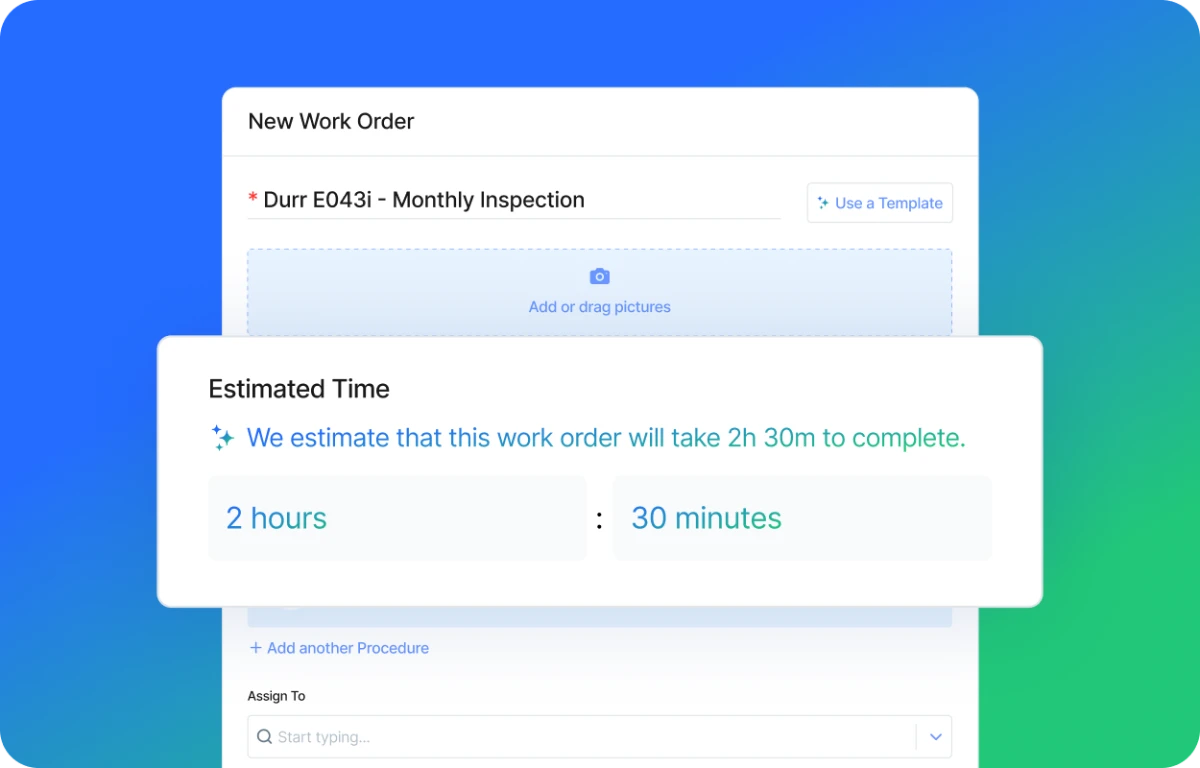
MaintainX Assist analyzes past work orders and gives you accurate time estimates for upcoming work so you can quickly build maintenance schedules that maximizes both your team’s capacity and uptime.
Create maintenance schedules that maximize technician capacity
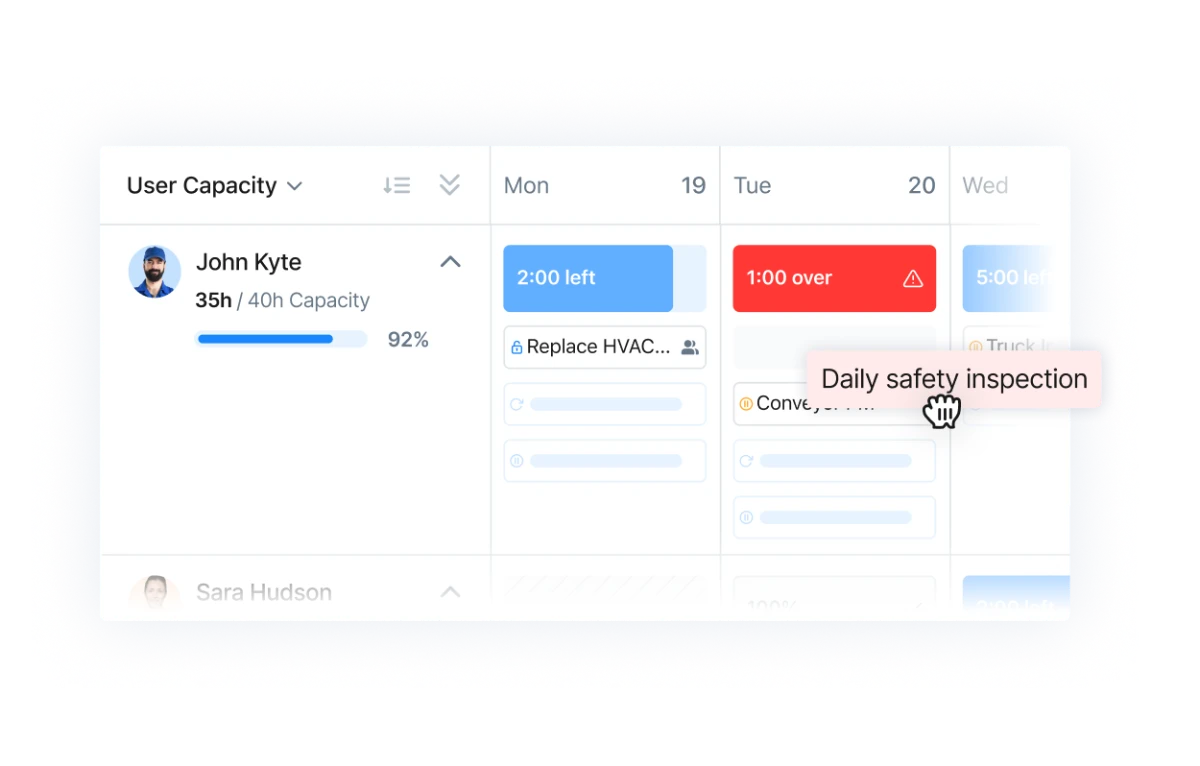
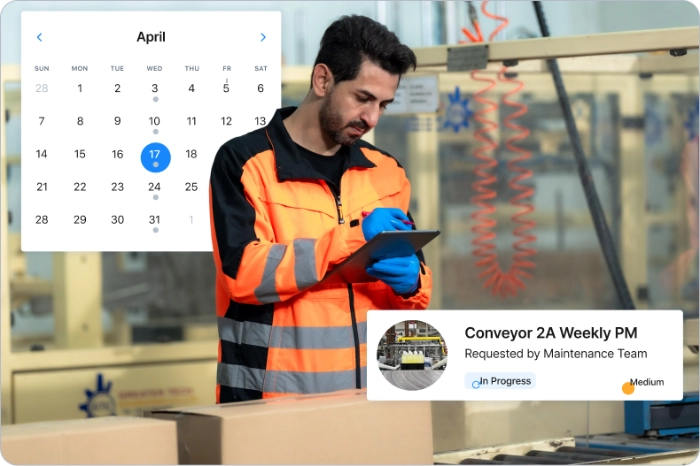
See each technician’s capacity in a single view to build effective schedules and reduce overtime. Drag and drop tasks to adjust quickly when technicians are over capacity or emergencies, delays, and production pivots hit.
Route every job to the right technician
Bring every request, PM, and follow-up into one system so everyone knows what needs doing and who owns it. Automatically turn requests into prioritized, scheduled, and assigned, work orders that go to the best technician for the job.
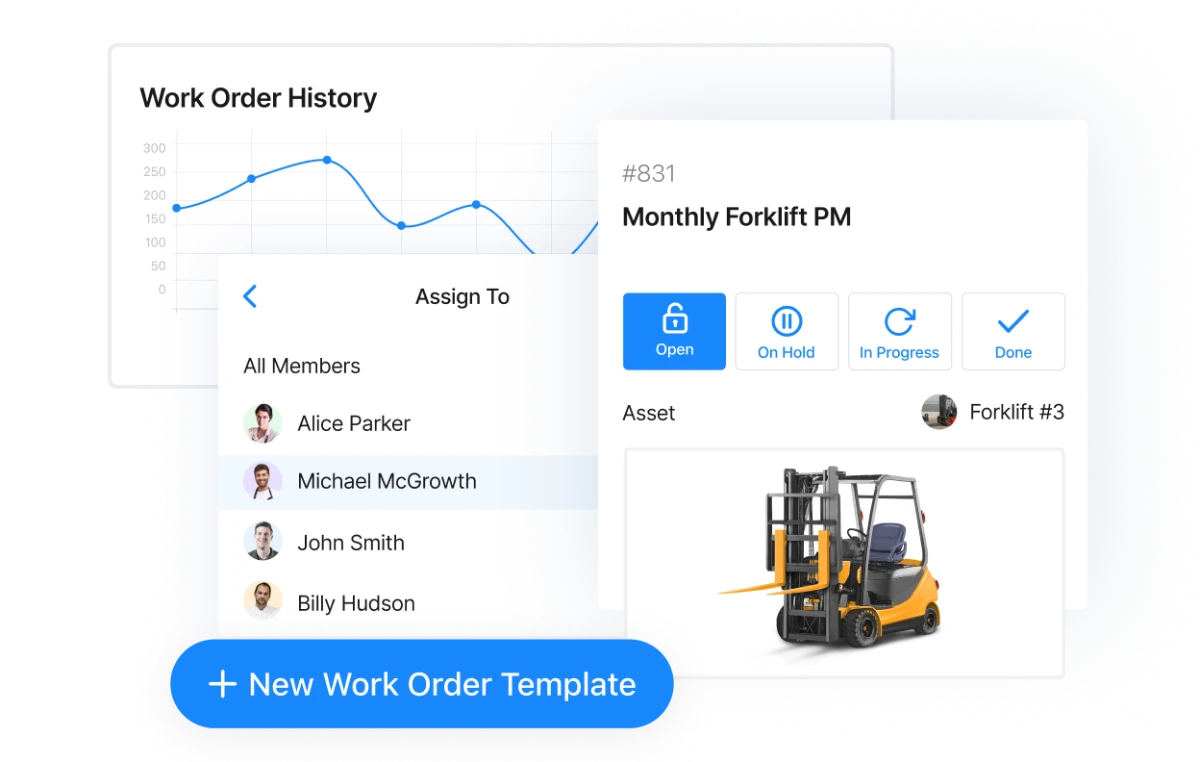
Give technicians easy access to information they need to do every job quickly and correctly
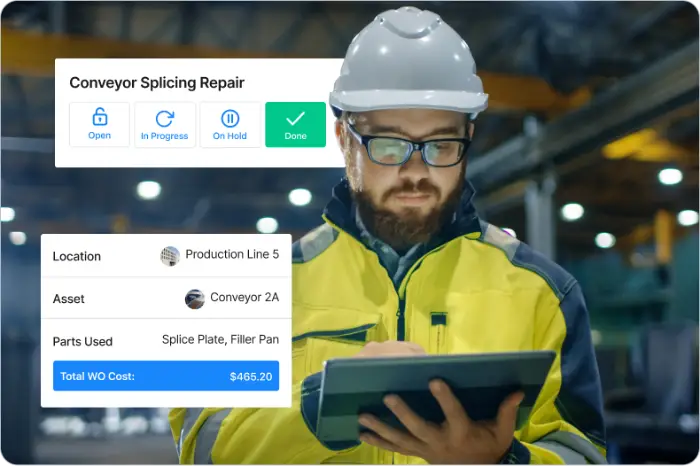
Provide instant access to repair and asset history, SOPs, parts availability, photos, and videos. Technicians can also ask MaintainX Assist AI for troubleshooting guidance and get real-time suggestions as they work.
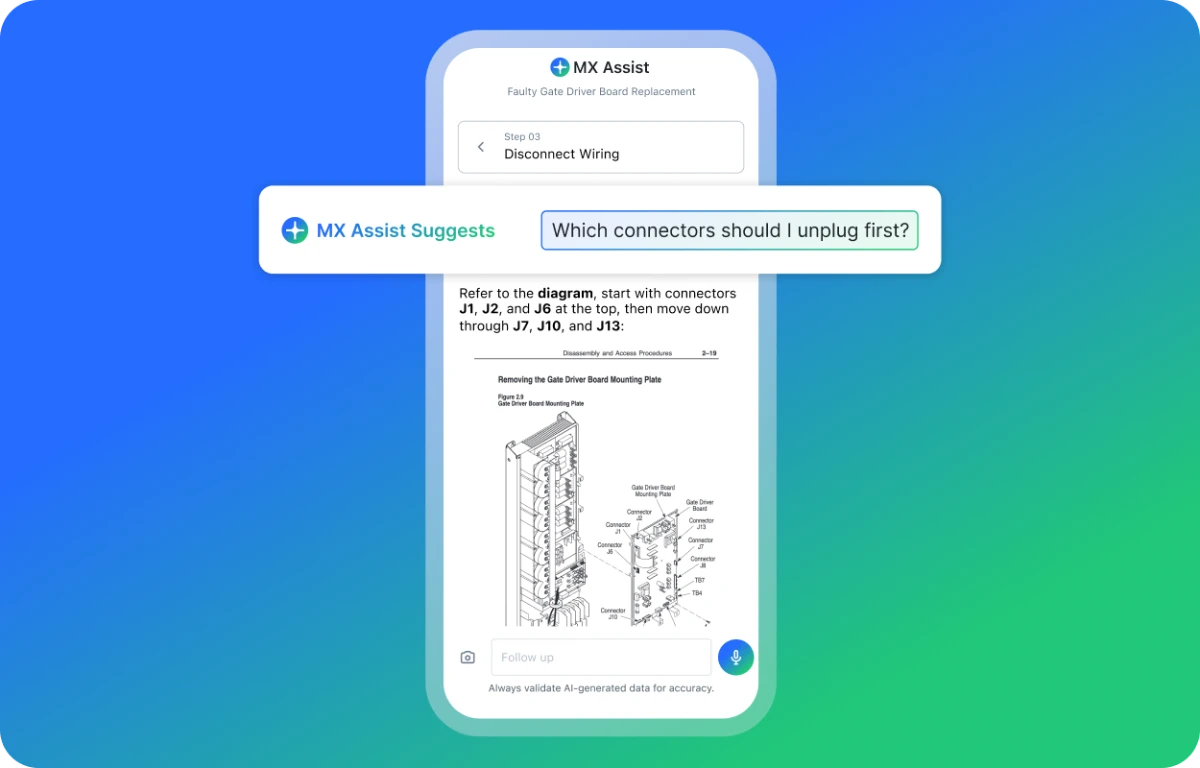
Standardize maintenance across every job, shift, and site
Quickly create digital checklists and procedures for every job. Use AI to turn manuals, PDFs, and photos into SOPs in minutes, then standardize them across one site or hundreds.
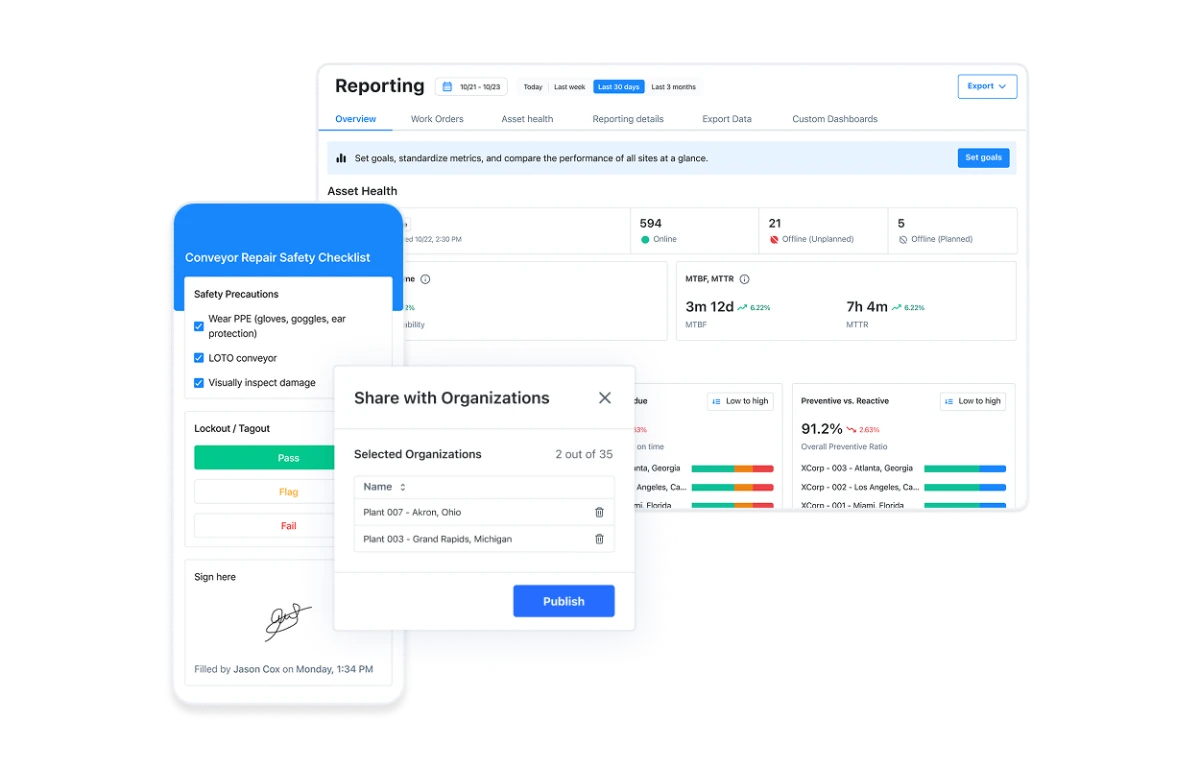
Make it easy to log the right data for audits, compliance, and asset records
Help technicians capture the right data at the point of work, without adding time to their shift. They can log jobs in the mobile app, even offline, using pre-filled templates, required fields, timestamps, and voice notes that become work order summaries.
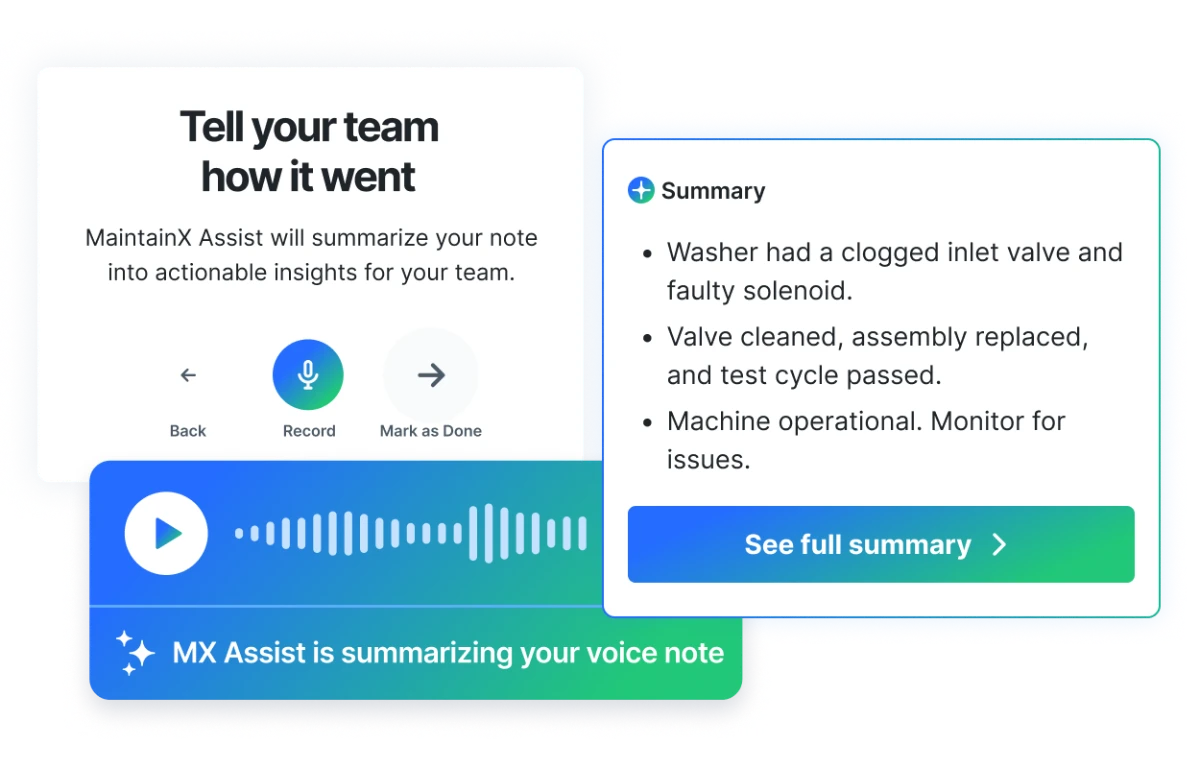
Track what’s happening on the floor or in the field, no matter where you are
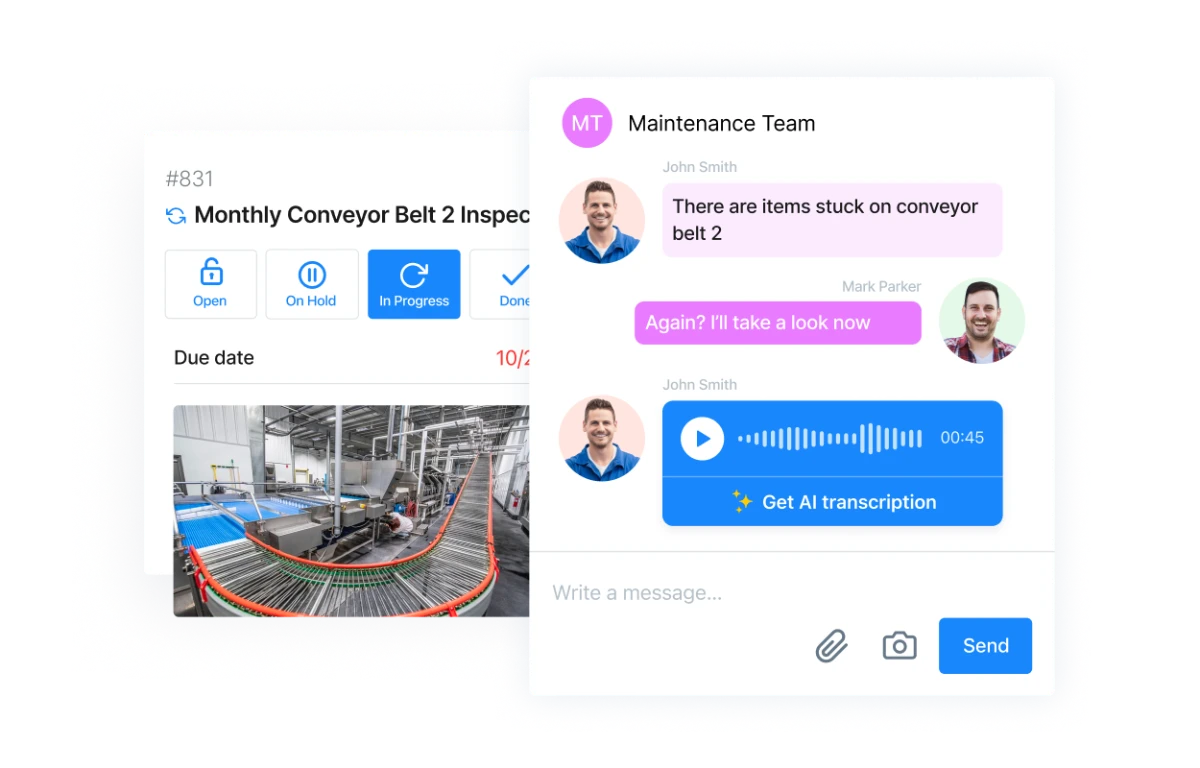
Stay on top of every job and support technicians in the field without being at your desk or checking multiple apps. Track work orders in a single dashboard, update them in real time, and use in-app messages to talk to staff in the field.
See, sort, and act on data to help your technicians be as efficient as possible
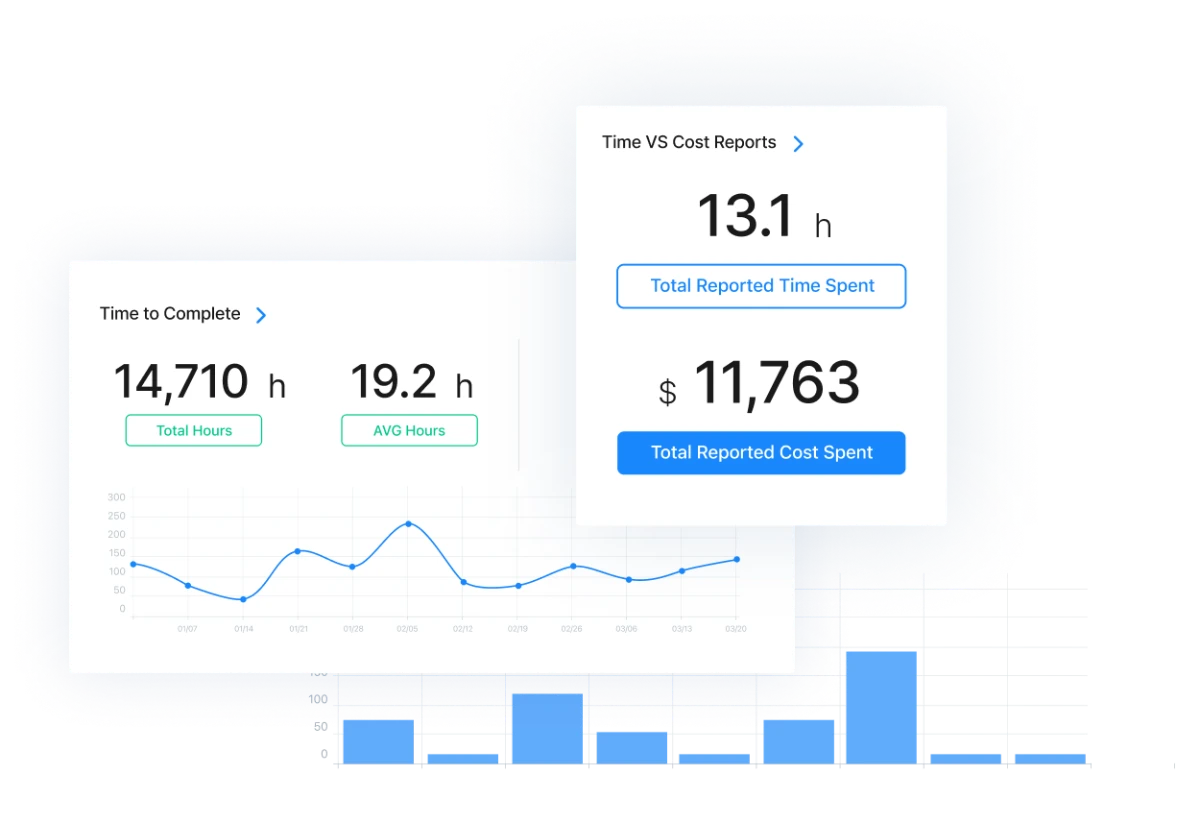
Use templated or custom dashboards to track everything from labor utilization to PM compliance and MTTR so you can find bottlenecks slowing your technicians. Ask Report Builder AI a question, and it surfaces insights with zero manual work.




Award-winning software you can trust







See what customers have to say
MaintainX’s work order, asset, and procedure management allows my team to do 5 times the work because we are organized.

MaintainX has been a game changer for us. It has cut down significant time for our teams.
Best decision we have made! We have been more efficient with work orders and setting up better preventive maintenance.
Machine maintenance software FAQs
Got a question? We’ve got answers. Need troubleshooting help? Check out our Support Center.
What is technician management software?
Technician management software helps maintenance teams plan, assign, and track technician work. It shows who has capacity, routes the right job to the right person, gives technicians the information they need in the field, and records the work so managers can see where time goes. MaintainX does this from one mobile-first app with a user-friendly interface that empowers frontline workers.
How is technician management software different from field service management software?
Field service software is typically built for dispatching mobile crews and field service teams to customer sites. Technician management software often focuses on how in-house technicians’ time is planned and used. MaintainX is built for maintenance and operations teams to help them manage work orders, preventive maintenance, and technician workload. MaintainX also has field service management tools that help teams centralize their entire service operations, from scheduling jobs and project management to customer management, job details, job tracking, and customer communication.
What features should technician management software have?
Look for job scheduling with drag and drop capabilities, visibility into technician availability, and a way to assign jobs based on workload. Key features also include a technician mobile app, digital forms, job status and job history tracking, and reporting on technician performance. Advanced features like AI-powered time estimates are worth asking about, but the most important element is technicians actually use the tool.
How does technician management software improve technician productivity?
It cuts the time technicians spend on admin work and waiting. Managers can see capacity and assign jobs to the right person, and technicians get service history, instructions, and parts information on their phone before they start. Less manual data entry, fewer phone calls to the office, and better job scheduling mean more of each shift goes to the actual work.
How do I track job progress and completion times?
Look for software that shows job status from assignment to completion in one view, with time tracking built into each job. That lets you track job completion times, compare them against estimates, and spot where multiple jobs are stacking up. Over time, job history gives you a baseline for planning more accurately and measuring technician performance.
Do technicians need a mobile app, and does it need to work offline?
Yes, for most teams. Field technicians and maintenance technicians rarely work at a desk, and many job sites have limited connectivity. A mobile app for field service technicians that works offline lets them view jobs, log work, and capture photos or signatures anywhere, then sync when they reconnect. An easy-to-navigate interface and minimal training requirements matter just as much, because adoption determines data quality.
How do service requests and customer history improve customer satisfaction?
When service requests, customer history, and customer data live in one place, your team can see past visits, open issues, and prior fixes before a technician arrives. That reduces repeat questions and missed details. Options like a customer portal or customer signatures can also help, since customers can submit requests, follow job status, and confirm completed work. This matters most for service delivery in the service industries, where trust and communication drive repeat business.
Do I need GPS or location tracking?
It depends on how your team works. Field service companies with technicians driving between customer sites often use GPS tracking and fleet tracking to optimize routes. Teams working within one facility or a few sites usually get more value from asset-level tracking, such as knowing which asset a job is on, than from vehicle location. Match the tool to your operation instead of paying for features you won’t use.
Is technician management software worth it for small teams?
Often yes, as long as it matches your size. Small teams and small service businesses benefit from replacing spreadsheets and phone calls with one place to schedule jobs, track job progress, and keep service history. Look for minimal training, a user-friendly interface, and a pricing plan that fits your budget. Some vendors offer a free plan, but check which key features it includes before committing.
What should I look for when choosing technician management software?
Start with the right tools for your daily work: scheduling, technician availability, job management, and a mobile app your team will use. Then check how it handles team communication, digital forms, inventory management or parts availability, and reporting. Finally, ask about integrations, such as an accounting system, so data doesn’t need to be re-entered by hand.
How does technician management software help with parts availability and compliance?
Look for inventory management that shows parts availability before a job starts and sends automated alerts when stock runs low, so technicians don’t lose time to stockouts and delays. On the compliance side, auditable records of completed jobs, such as time tracking, signatures, and required fields, support compliance verification and help your team adhere to industry regulations.


